Start with the right source
Ask for portraits with similar framing and lighting before editing. Background replacement can make the setting consistent, but it cannot make mismatched camera angles or facial lighting identical. Keep each person’s original image and obtain the appropriate permission for its intended publication. Choose a background color that works with the site’s design and clothing tones.
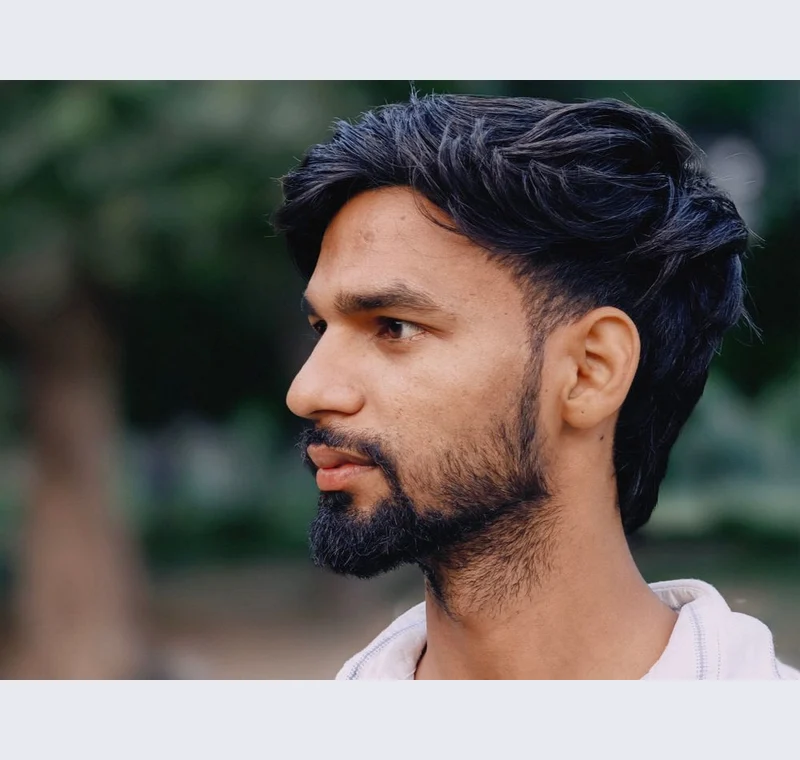
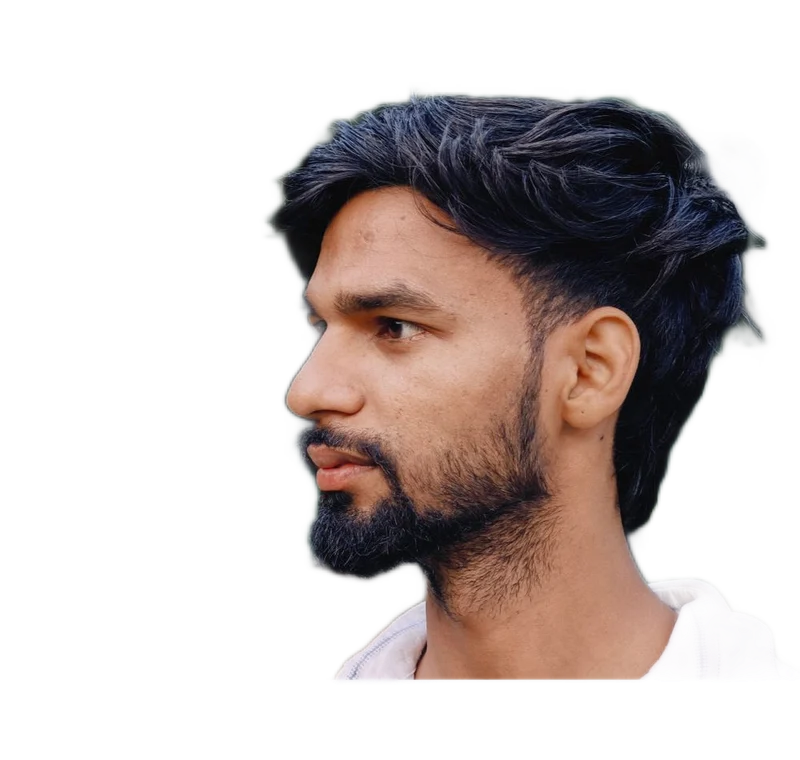
Inspect what the edit changes
Inspect hair, glasses, ears and collars individually. A shared setting can be applied across a batch, but each mask still needs review. Check that the final crop gives similar visual room around each head without changing the face shape. Use the site’s actual avatar or card component for the final preview.
Keep these limits in view
Do not reshape faces or imply that the portraits were taken together in a location they were not. If the photo is being used for security or identity verification, follow that separate process rather than treating a branded headshot as a compliant identity photo.
Save a usable handoff
Choose PNG when another design tool needs a transparent layer. Choose JPG when the destination expects an opaque photograph. WebP is useful when the receiving app accepts it. The download checks the actual output type rather than giving a file a misleading extension.
The editor processes image contents on your device. Background removal downloads the model first, then uses local computation. Keep your original and inspect the exported copy before publishing. The app does not send the finished image to a platform, guarantee acceptance or replace the specialist workflow described above.
Sources & method
Last checked: . Official rules can change. Calculated presets are identified separately.
- Published tool specifications. Backdropless. Checked 2026-10-29.
- U2-Net: Going Deeper with Nested U-Structure. Xuebin Qin et al.. Checked 2026-10-29.
- Image file type and format guide. MDN Web Docs. Checked 2026-10-29.