Remove the background.
Choose a photo, find the subject, and check the edges. Your photos stay on this device.
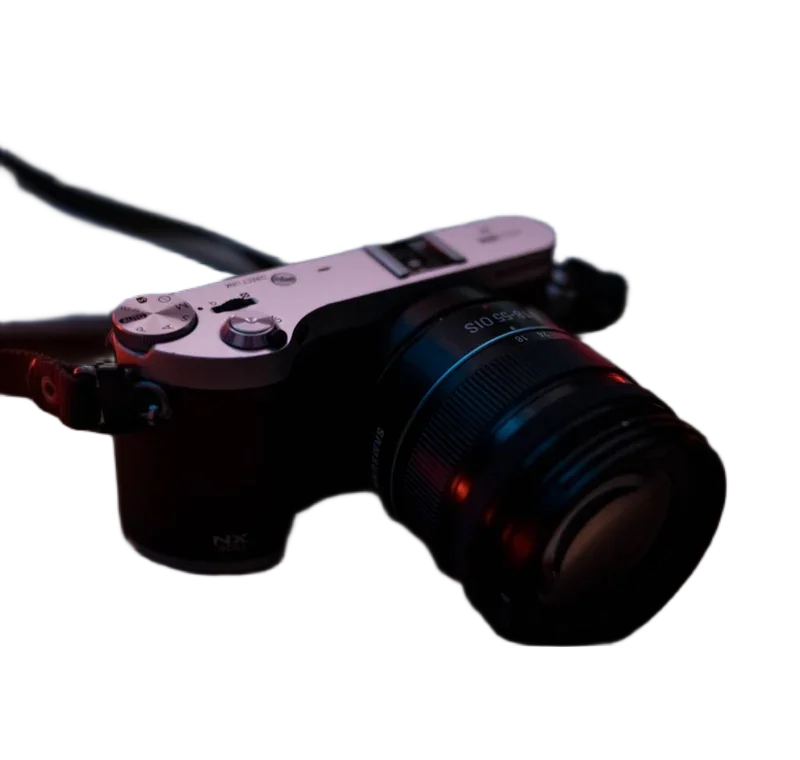
Drop a photo here.
Choose a file above, or start with a sample. Your image stays on this device.
Brush on the original-size cutout. Arrow keys move the brush; Space paints. Preview shows your output settings.
Fast: U2netp, 4,574,861 bytes. Downloads only when you run removal. Cached when storage allows.
Compare the real model results ↗Smart product framing
1600 × 1600 px · 1:1 · White
Amazon guidance: at least 85% and a white main-image background. The 1600 px square is our export choice; category rules still apply.
Preset sources and requirements ↗Centers the retained subject without stretching. Fill measures its largest relative span, not pixel area. Review the exported edges; this is not an approval check.
Local workspace limit: 24 megapixels and 10,000 pixels per side. Output keeps the source dimensions unless you resize or crop. Tool specifications and methods.
From photo to cutout
- Choose an image or try a sample.
- Select Remove background. The selected model downloads on first use; its size is shown before you start.
- Use Erase or Restore to adjust the mask. Check the preview.
- Pick a background and download your result.
Know the limits
Fine hair, glass, shadows, and subjects close to the background color can need manual work. Fast is a compact starting point. High detail uses a larger BiRefNet-lite model and needs more memory. Neither promises a perfect cutout.
Batch images run one at a time. Current background and export settings apply to each image; manual brush edits do not transfer to other photos.
See real model test results →