Add a white background
Give a product or portrait a clean white backdrop. Run background removal, review the mask, and export the result as an opaque image.
Your image studioOn your device
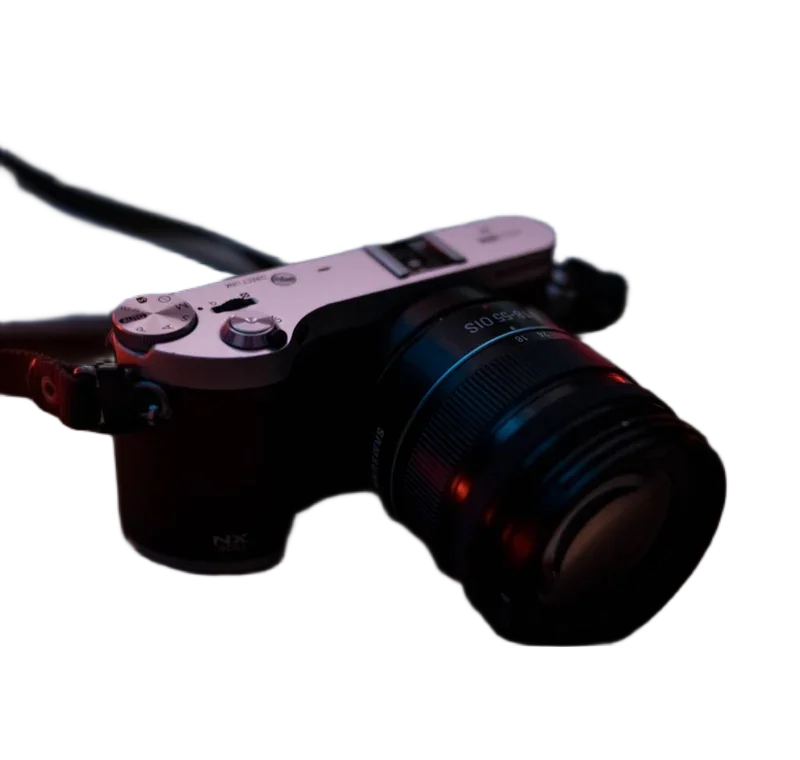
Drop a photo here.
Choose a file above, or start with a sample. Your image stays on this device.
Brush on the original-size cutout. Arrow keys move the brush; Space paints. Preview shows your output settings.
Fast: U2netp, 4,574,861 bytes. Downloads only when you run removal. Cached when storage allows.
Compare the real model results ↗Ready. Choose a photo to begin.
Local workspace limit: 24 megapixels and 10,000 pixels per side. Output keeps the source dimensions unless you resize or crop. Tool specifications and methods.
Make your next edit
- Choose a photograph with a clear main subject.
- Remove the background, then restore any missing details and erase leftovers.
- Keep White selected and download a JPG, PNG or WebP.
Sources & method
Last checked: . Official rules can change. Calculated presets are identified separately.
- Published tool specifications. Backdropless. Checked 2026-10-29.
- HTMLCanvasElement.toBlob. MDN Web Docs. Checked 2026-10-29.
- Image file type and format guide. MDN Web Docs. Checked 2026-10-29.