Start with the right source
Choose the strongest original you have and confirm you have permission to use it on merchandise. A transparent subject can work well on a shirt, bag or poster, but the print supplier determines the required canvas, color workflow and production tolerances. Read that specification before resizing the artwork or adding a background.
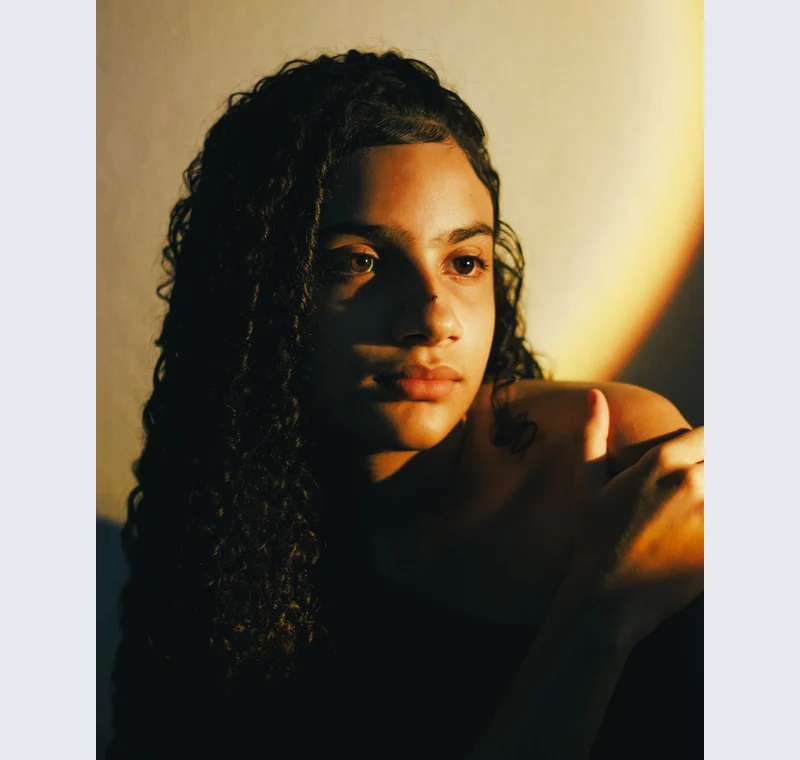
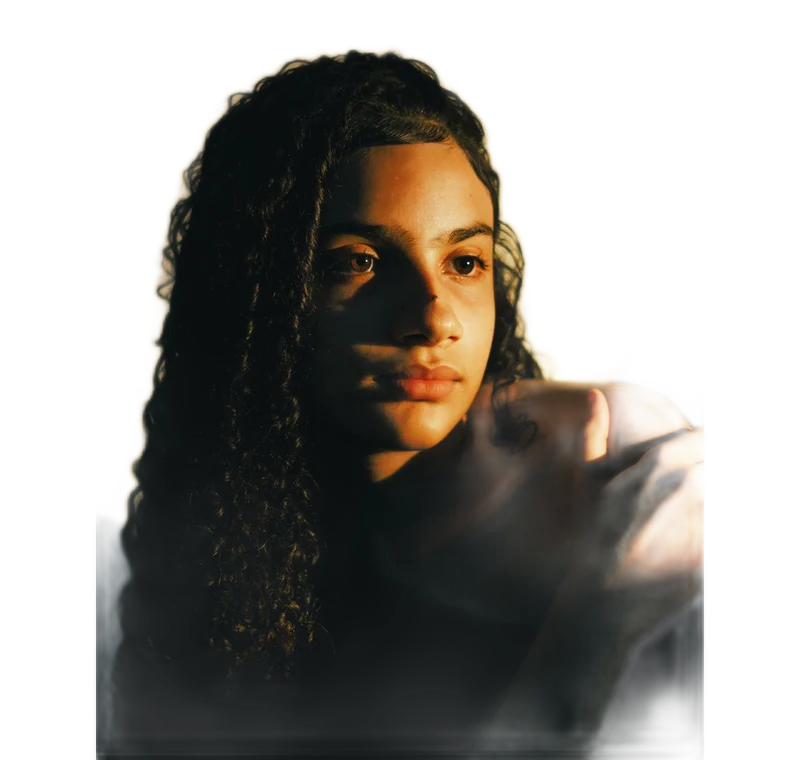
Inspect what the edit changes
Inspect hair edges and semi-transparent pixels on a color similar to the material. A white fringe that is subtle on a web page can stand out on a dark garment. Check whether a soft shadow is intentional because it will become part of the printed artwork. Keep a transparent master for later revisions.
Keep these limits in view
A larger export does not guarantee a sharper physical print. Calculate the available print size from the source pixels and the supplier’s requested density. This tool does not create a CMYK separation, white-ink underbase or a production proof, and it cannot certify a supplier’s acceptance.
Save a usable handoff
Choose PNG when another design tool needs a transparent layer. Choose JPG when the destination expects an opaque photograph. WebP is useful when the receiving app accepts it. The download checks the actual output type rather than giving a file a misleading extension.
The editor processes image contents on your device. Background removal downloads the model first, then uses local computation. Keep your original and inspect the exported copy before publishing. The app does not send the finished image to a platform, guarantee acceptance or replace the specialist workflow described above.
Sources & method
Last checked: . Official rules can change. Calculated presets are identified separately.
- Published tool specifications. Backdropless. Checked 2026-10-29.
- U2-Net: Going Deeper with Nested U-Structure. Xuebin Qin et al.. Checked 2026-10-29.
- Image file type and format guide. MDN Web Docs. Checked 2026-10-29.