Start with the right source
Choose a photo with the pet separated from the surrounding scene. A sharply focused face and visible paws make the cutout easier to assess. Avoid starting from a picture where grass or a blanket covers the outline you want to preserve. The model can decide what belongs to the animal, but it cannot see a hidden paw.
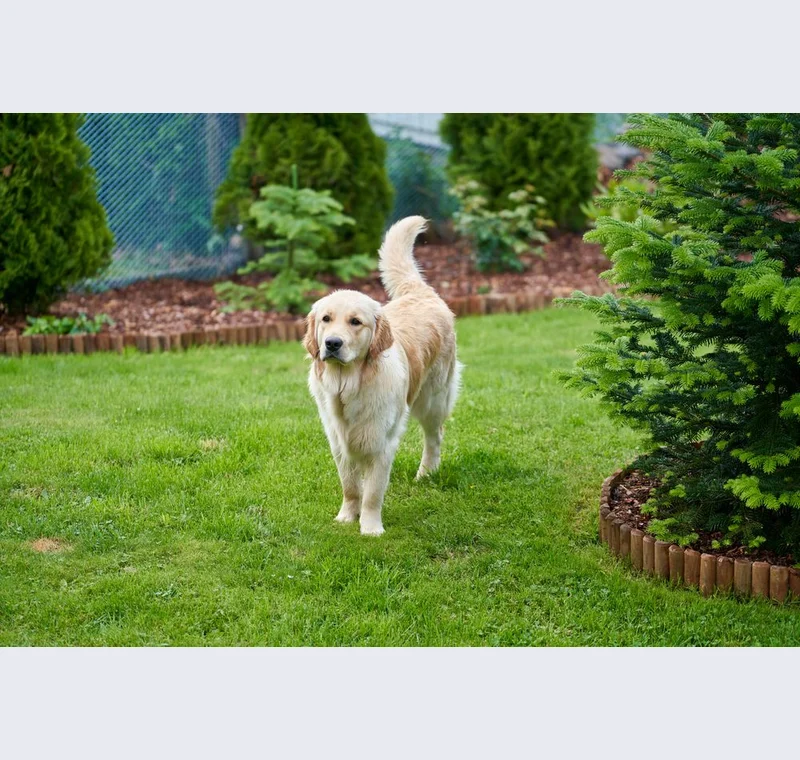
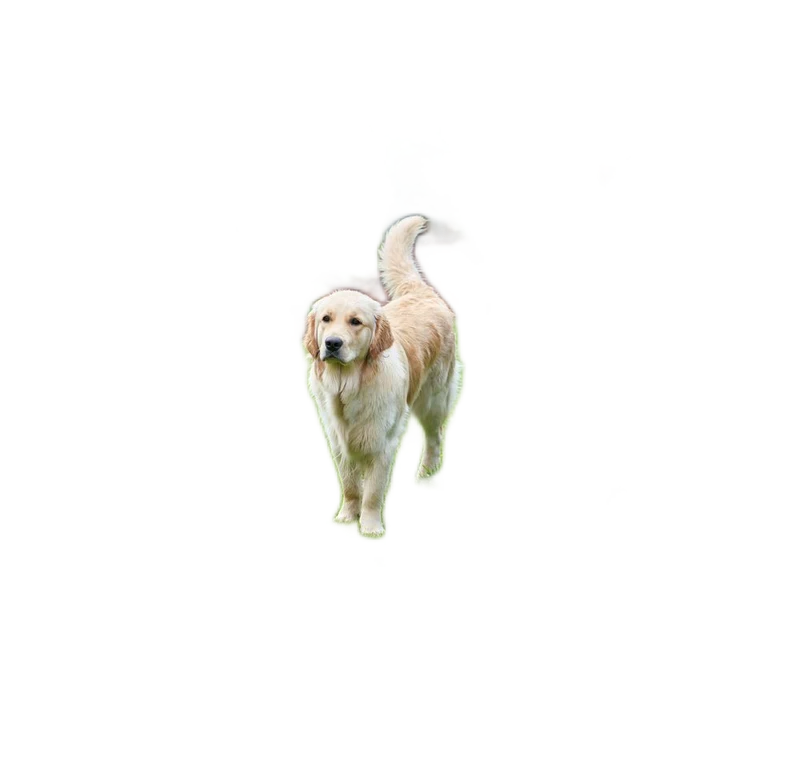
Inspect what the edit changes
Inspect whiskers, fur tips, ears and the spaces between legs. Some fine strands may disappear, especially where their color matches the background. Restore important missing pieces and check the result on the final background color. A light halo that is invisible on white can become obvious on a dark card.
Keep these limits in view
A pet cutout is a starting point for a design, not evidence that the model handles every coat or pose equally well. For memorial or printed work, keep the full original and ask the recipient to approve the final appearance before ordering a physical product.
Save a usable handoff
Choose PNG when another design tool needs a transparent layer. Choose JPG when the destination expects an opaque photograph. WebP is useful when the receiving app accepts it. The download checks the actual output type rather than giving a file a misleading extension.
The editor processes image contents on your device. Background removal downloads the model first, then uses local computation. Keep your original and inspect the exported copy before publishing. The app does not send the finished image to a platform, guarantee acceptance or replace the specialist workflow described above.
Sources & method
Last checked: . Official rules can change. Calculated presets are identified separately.
- Published tool specifications. Backdropless. Checked 2026-10-29.
- U2-Net: Going Deeper with Nested U-Structure. Xuebin Qin et al.. Checked 2026-10-29.
- Image file type and format guide. MDN Web Docs. Checked 2026-10-29.