Start with the right source
Photograph jewelry with enough contrast to distinguish fine metal edges from the surface beneath it. Reflections can make an object edge look like part of the background. A plain real backdrop and careful lighting often save more work than trying to repair a difficult photograph after the fact. Keep the source sharp across the detail that matters.

Inspect what the edit changes
Inspect chain links, stone settings, open spaces and loose clasps. A general mask may join small gaps or erase thin sections. Restore important details and compare against the original at a useful zoom. View the export on the actual listing background, since edge contamination can disappear on white and reappear on color.
Keep these limits in view
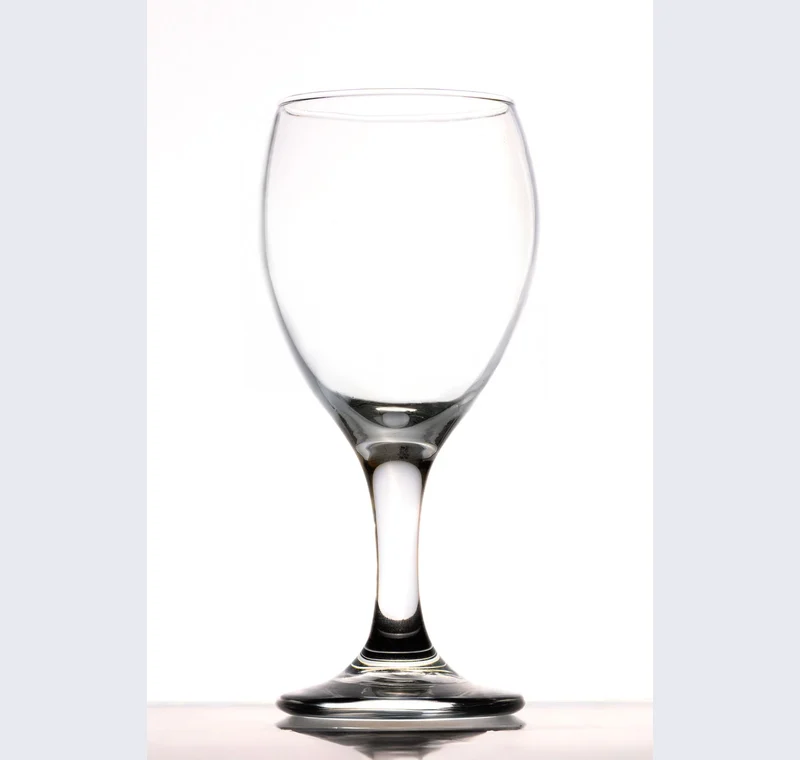
Transparent stones and polished surfaces carry information from the original scene. A cutout does not automatically replace those internal reflections or reconstruct what should show through a gem. Do not present a cleaned image that changes the item’s color, condition or construction.
Save a usable handoff
Choose PNG when another design tool needs a transparent layer. Choose JPG when the destination expects an opaque photograph. WebP is useful when the receiving app accepts it. The download checks the actual output type rather than giving a file a misleading extension.
The editor processes image contents on your device. Background removal downloads the model first, then uses local computation. Keep your original and inspect the exported copy before publishing. The app does not send the finished image to a platform, guarantee acceptance or replace the specialist workflow described above.
Sources & method
Last checked: . Official rules can change. Calculated presets are identified separately.
- Published tool specifications. Backdropless. Checked 2026-10-29.
- U2-Net: Going Deeper with Nested U-Structure. Xuebin Qin et al.. Checked 2026-10-29.
- Image file type and format guide. MDN Web Docs. Checked 2026-10-29.