Start with the right source
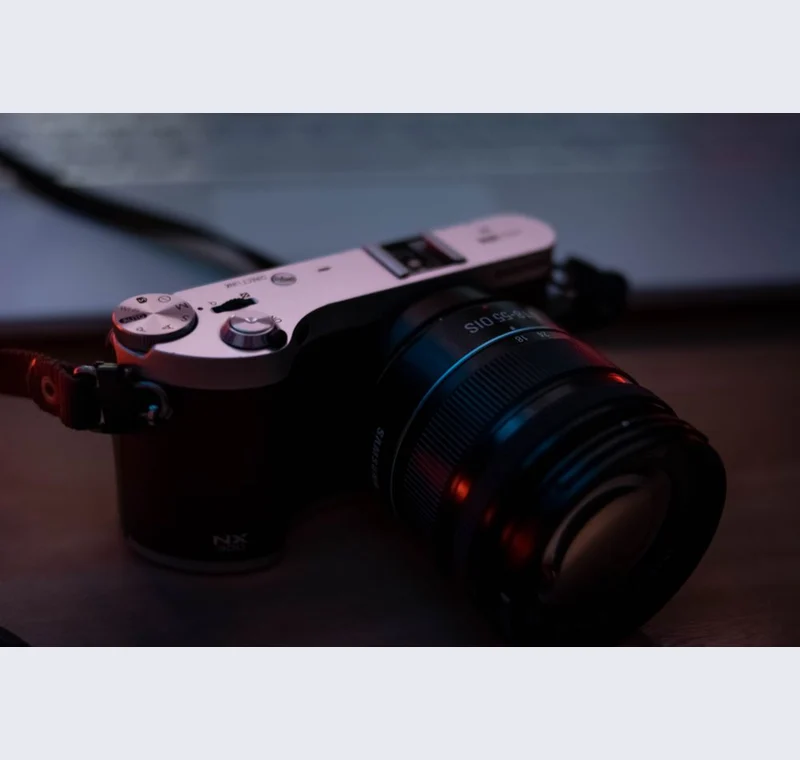
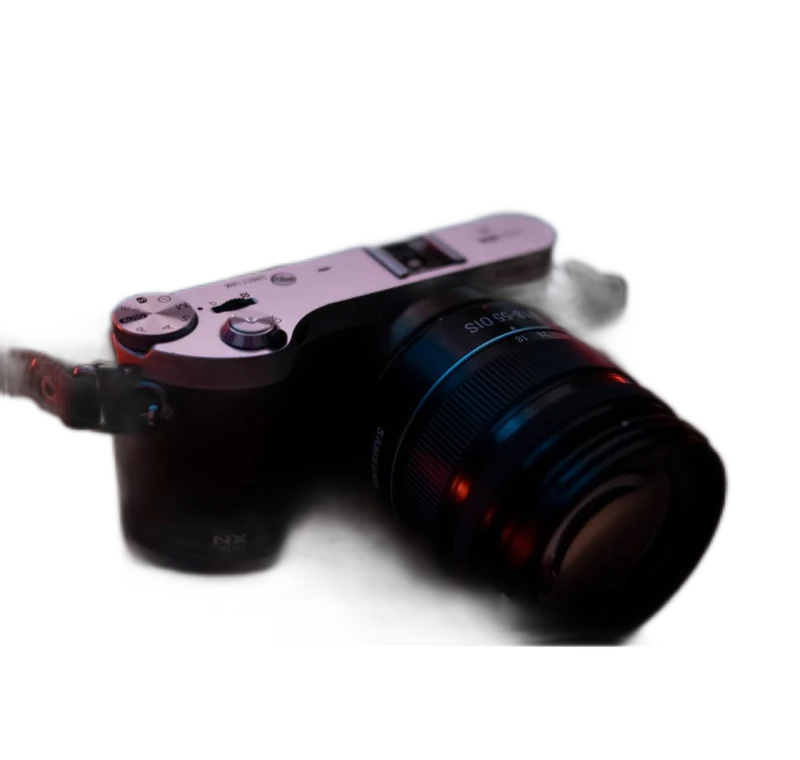
A transparent subject layer is useful when the same photograph needs to appear in different layouts. Begin with a clear source, remove the background and save a PNG master after refining the mask. Keep that transparent copy separate from flattened versions made for particular banners, cards or presentation slides.
Inspect what the edit changes
Place the cutout over a light background and a dark background before calling the mask finished. This reveals different kinds of edge contamination. Check small holes and thin structures against the source. A soft edge may suit a portrait but make a hard product outline look out of focus.
Keep these limits in view
The result is a raster layer. It does not contain editable paths, separate object parts or a vector clipping path. For layouts that need exact print geometry or extensive color correction, continue in an appropriate design application and preserve the original photograph.
Save a usable handoff
Choose PNG when another design tool needs a transparent layer. Choose JPG when the destination expects an opaque photograph. WebP is useful when the receiving app accepts it. The download checks the actual output type rather than giving a file a misleading extension.
The editor processes image contents on your device. Background removal downloads the model first, then uses local computation. Keep your original and inspect the exported copy before publishing. The app does not send the finished image to a platform, guarantee acceptance or replace the specialist workflow described above.
Sources & method
Last checked: . Official rules can change. Calculated presets are identified separately.
- Published tool specifications. Backdropless. Checked 2026-10-29.
- U2-Net: Going Deeper with Nested U-Structure. Xuebin Qin et al.. Checked 2026-10-29.
- Image file type and format guide. MDN Web Docs. Checked 2026-10-29.