Start with the right source
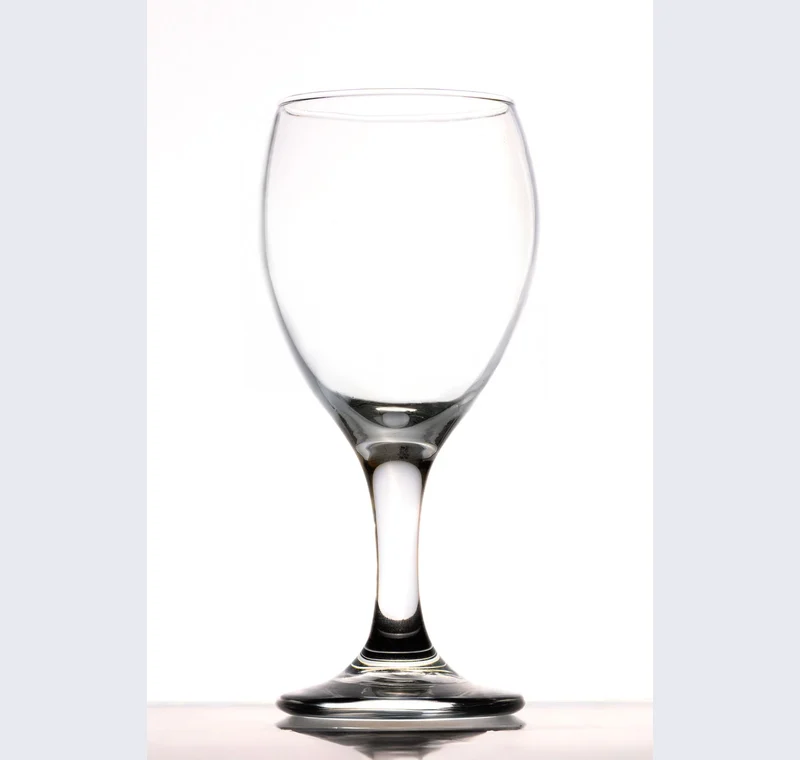
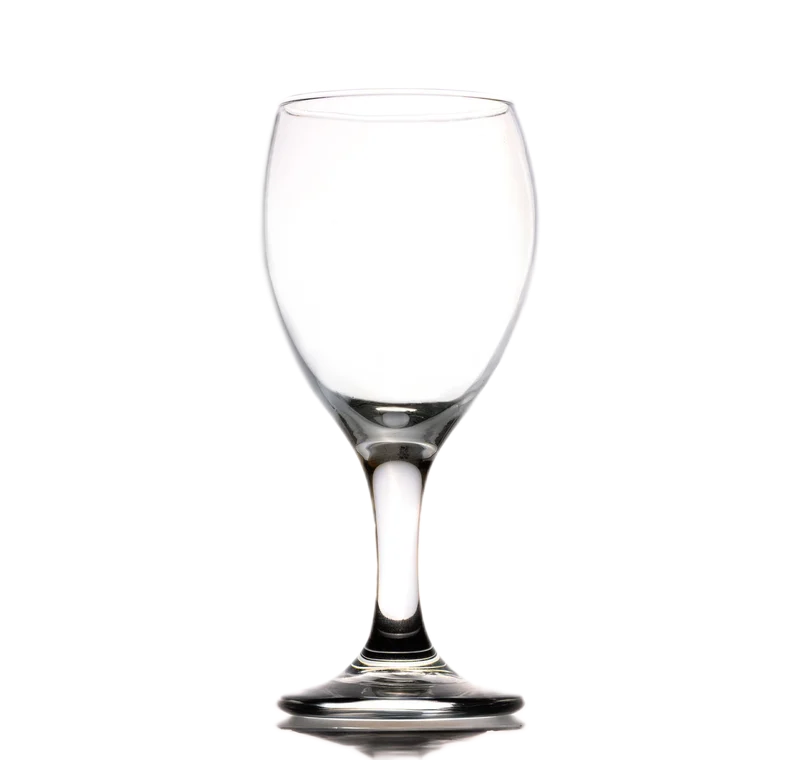
Glass combines an outer shape with transmission, refraction and reflections. A subject mask may keep the silhouette while retaining the original background inside the bowl or bottle. That can look plausible on a similar color and wrong on a contrasting backdrop. Start by deciding whether a simple exterior cutout is enough for the intended use.
Inspect what the edit changes
Inspect the interior, rim, stem and the contact area. Do not assume that a transparent file makes the glass itself transparent. The file can have a clear background outside the object while remaining opaque inside it. Try the new background before spending time polishing the outer edge.
Keep these limits in view
The portable segmentation model is not a dedicated glass-matting or background-reconstruction system. Erasing the entire interior also removes reflections and material information, so it is not a complete repair. A new photograph on the intended background or a specialist retouching workflow may be the better choice.
Save a usable handoff
Choose PNG when another design tool needs a transparent layer. Choose JPG when the destination expects an opaque photograph. WebP is useful when the receiving app accepts it. The download checks the actual output type rather than giving a file a misleading extension.
The editor processes image contents on your device. Background removal downloads the model first, then uses local computation. Keep your original and inspect the exported copy before publishing. The app does not send the finished image to a platform, guarantee acceptance or replace the specialist workflow described above.
Sources & method
Last checked: . Official rules can change. Calculated presets are identified separately.
- Published tool specifications. Backdropless. Checked 2026-10-29.
- U2-Net: Going Deeper with Nested U-Structure. Xuebin Qin et al.. Checked 2026-10-29.
- Image file type and format guide. MDN Web Docs. Checked 2026-10-29.