Start with the right source
Choose a subject that supports the article’s actual topic. A clean cutout makes it easier to arrange a cover around a headline, but removing context can also change the meaning of a photograph. Keep a record of the source and its license. If a person or product appears, do not imply an endorsement that the original image does not establish.
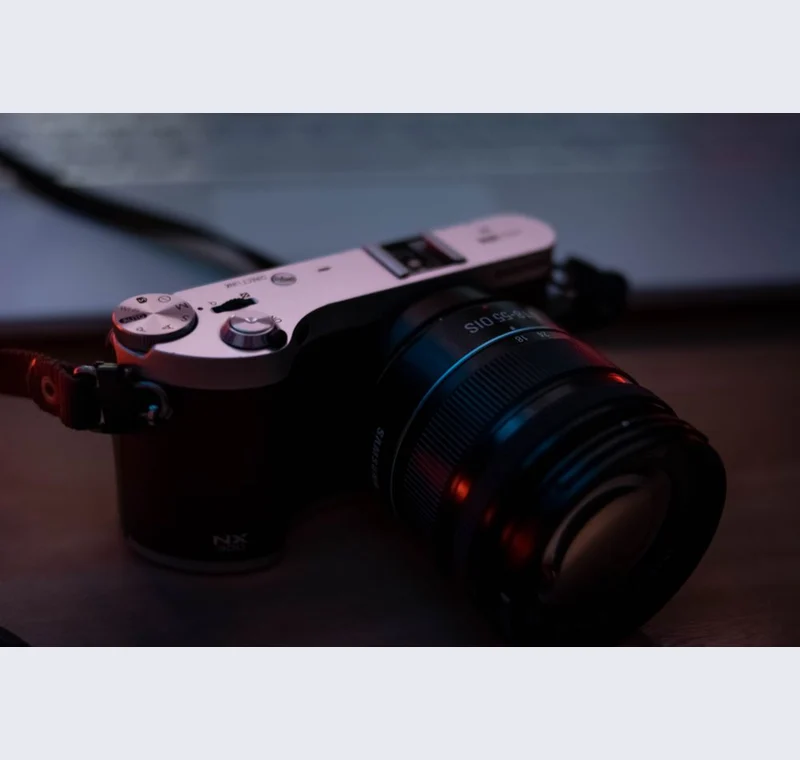
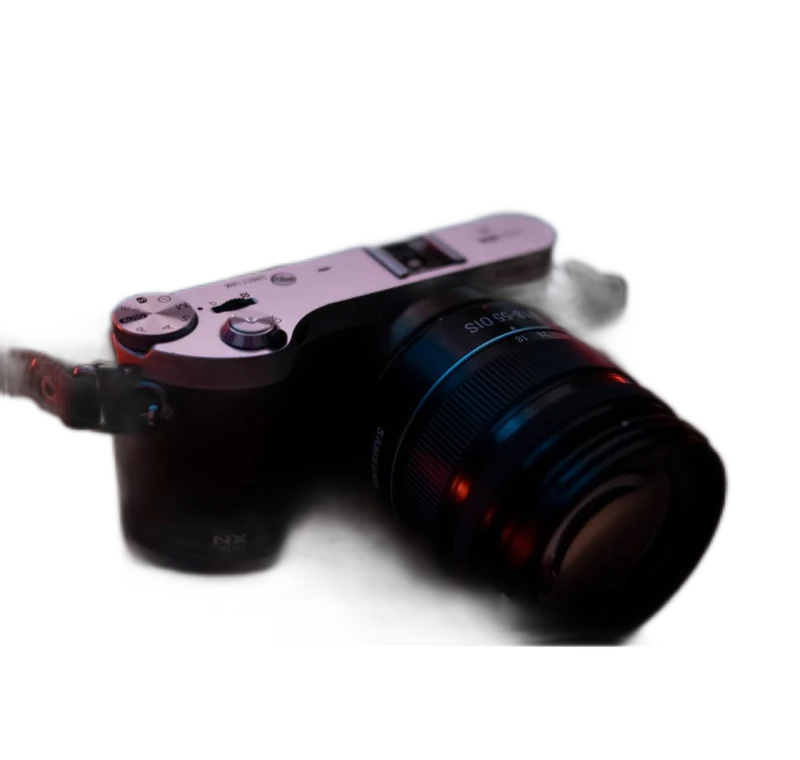
Inspect what the edit changes
Inspect the edge against the intended cover color, then check the composition at a small card size. A technically clean cutout can still be hard to recognize when reduced. Leave room for the headline in the design application instead of cropping through the subject simply to fill the whole canvas.
Keep these limits in view
Backdropless does not add typography, generate editorial claims or verify image rights. It prepares the raster layer. Export PNG when you need transparency for layout, then make an opaque web image for the final cover if that is the format your publishing system expects.
Save a usable handoff
Choose PNG when another design tool needs a transparent layer. Choose JPG when the destination expects an opaque photograph. WebP is useful when the receiving app accepts it. The download checks the actual output type rather than giving a file a misleading extension.
The editor processes image contents on your device. Background removal downloads the model first, then uses local computation. Keep your original and inspect the exported copy before publishing. The app does not send the finished image to a platform, guarantee acceptance or replace the specialist workflow described above.
Sources & method
Last checked: . Official rules can change. Calculated presets are identified separately.
- Published tool specifications. Backdropless. Checked 2026-10-29.
- U2-Net: Going Deeper with Nested U-Structure. Xuebin Qin et al.. Checked 2026-10-29.
- Image file type and format guide. MDN Web Docs. Checked 2026-10-29.