Start with the right source
Start with the actual item against a background that is distinct from its edges. Keep the camera steady and make sure the item is in focus before thinking about the cutout. A mask can separate an object, but it cannot reveal a blurred label or recover a part hidden behind packaging. Decide whether the main view needs a square white canvas or whether the original scene explains the product better.
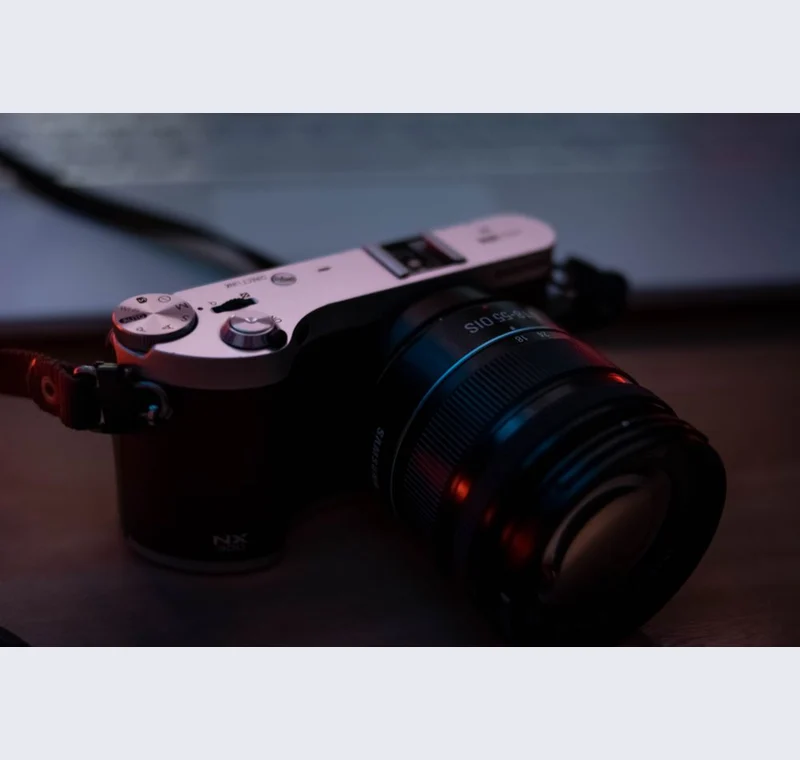
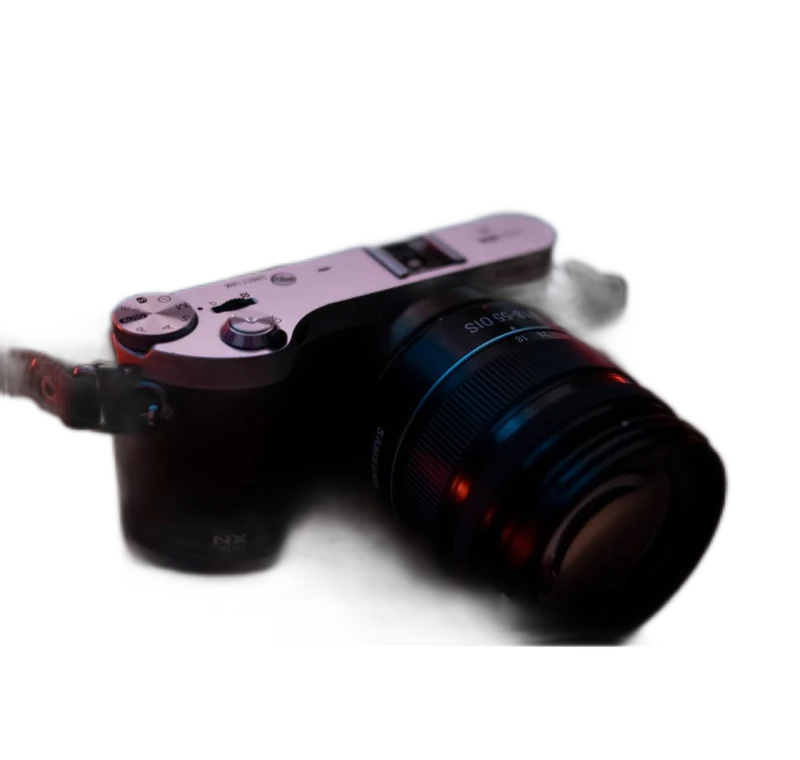
Inspect what the edit changes
Inspect the base, handles, cords and any small detached parts. The model may treat a cable as background or keep a patch of table beside the object. Use Restore for a missing product edge and Erase for obvious background fragments. Keep a natural contact shadow when it helps the item feel grounded, provided the sales channel allows it.
Keep these limits in view
Do not use a clean background to hide condition. Wear, stains, chips and included accessories belong in the listing. Read the channel’s rules before adding a shadow or switching its main photo to a transparent PNG. Some uploaders require an opaque image.
Save a usable handoff
Choose PNG when another design tool needs a transparent layer. Choose JPG when the destination expects an opaque photograph. WebP is useful when the receiving app accepts it. The download checks the actual output type rather than giving a file a misleading extension.
The editor processes image contents on your device. Background removal downloads the model first, then uses local computation. Keep your original and inspect the exported copy before publishing. The app does not send the finished image to a platform, guarantee acceptance or replace the specialist workflow described above.
Sources & method
Last checked: . Official rules can change. Calculated presets are identified separately.
- Published tool specifications. Backdropless. Checked 2026-10-29.
- U2-Net: Going Deeper with Nested U-Structure. Xuebin Qin et al.. Checked 2026-10-29.
- Image file type and format guide. MDN Web Docs. Checked 2026-10-29.