Start with the right source
Identify the issuer before choosing dimensions. A workplace badge, membership card and government passport are different documents and may have different capture requirements. For a workplace badge that accepts a self-supplied photo, use the employer’s specification. For government travel documents, open the relevant country guide and follow the official process.
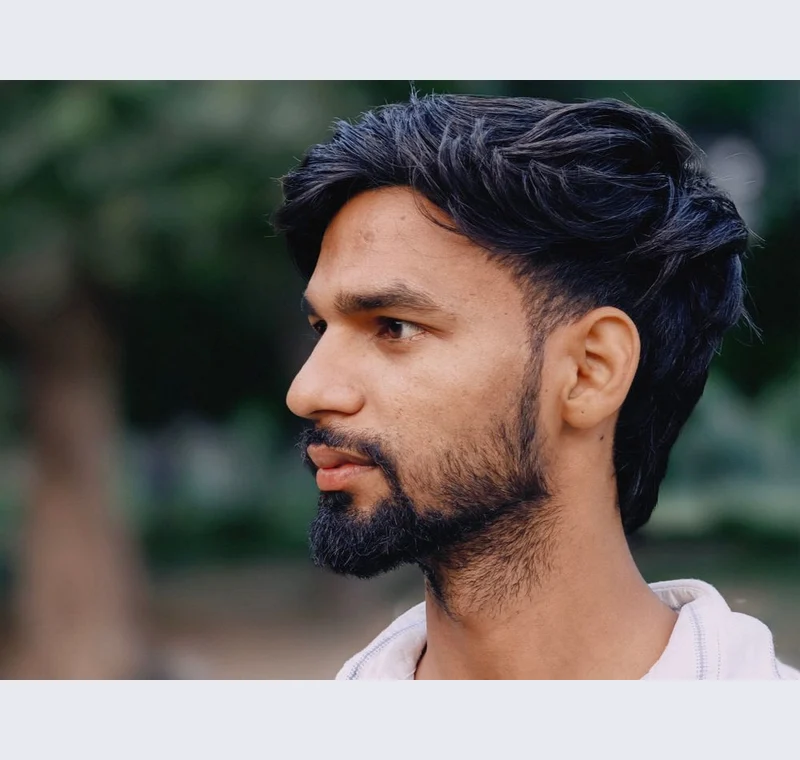
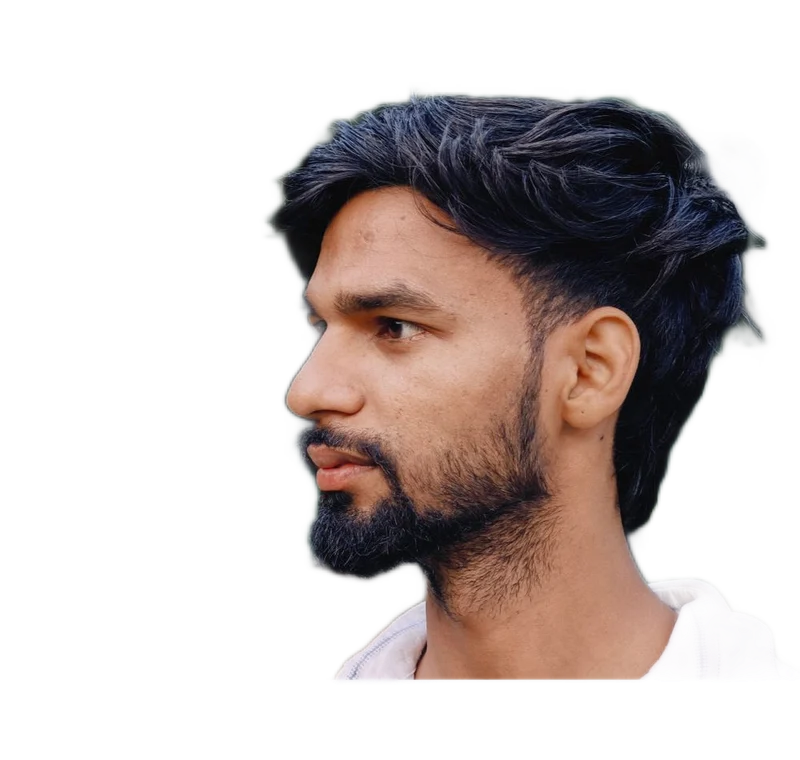
Inspect what the edit changes
Review the full face, eyes, glasses and background. The framing tools do not measure your face automatically or decide whether the picture represents you accurately. If the authority requires an unaltered source, an approved booth or a commercial photographer, a browser-created cutout cannot replace that requirement.
Keep these limits in view
Do not use decorative background replacement as a shortcut for an official identity photo. Retake the image against the required real background when necessary. The sample portrait is only an editing demonstration and is not presented as a compliant passport photograph.
Save a usable handoff
Choose PNG when another design tool needs a transparent layer. Choose JPG when the destination expects an opaque photograph. WebP is useful when the receiving app accepts it. The download checks the actual output type rather than giving a file a misleading extension.
The editor processes image contents on your device. Background removal downloads the model first, then uses local computation. Keep your original and inspect the exported copy before publishing. The app does not send the finished image to a platform, guarantee acceptance or replace the specialist workflow described above.
Sources & method
Last checked: . Official rules can change. Calculated presets are identified separately.
- Published tool specifications. Backdropless. Checked 2026-10-29.
- U2-Net: Going Deeper with Nested U-Structure. Xuebin Qin et al.. Checked 2026-10-29.
- Image file type and format guide. MDN Web Docs. Checked 2026-10-29.