Start with the right source
Decide whether the garment should be shown flat, on a hanger or on a person. Each view answers a different question about fit and shape. A cutout can simplify the background, but it should not remove information that explains how the fabric falls. Keep the source view available alongside any polished main image.
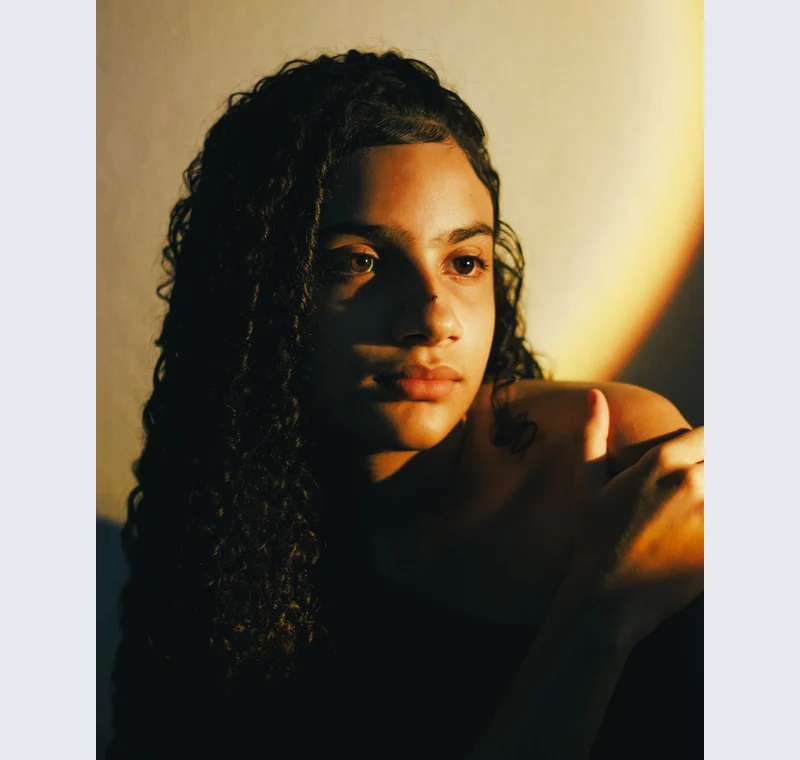
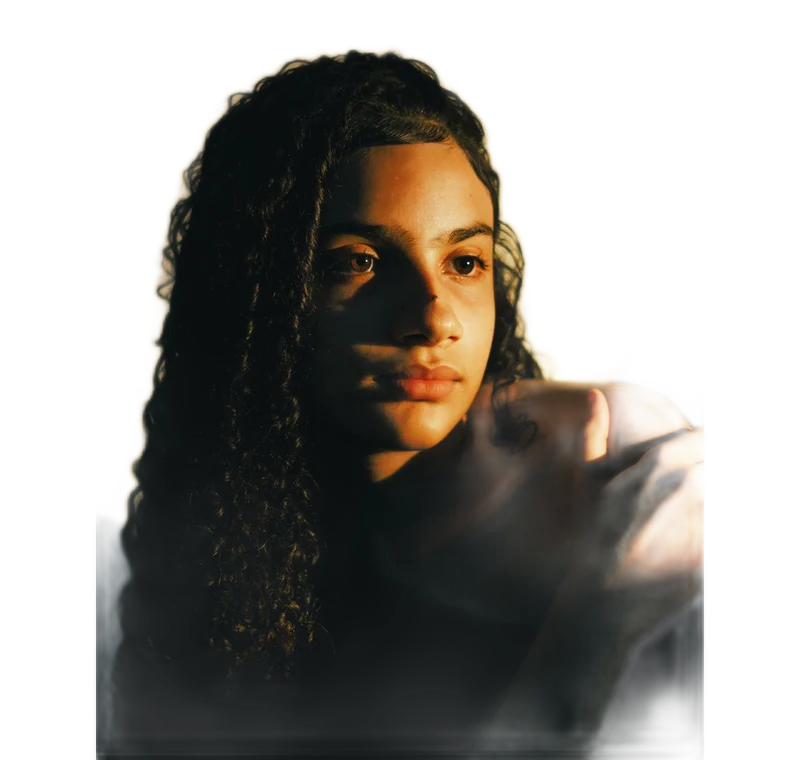
Inspect what the edit changes
Review loose straps, fringes, lace and the spaces between fabric and body. The model may treat open fabric as a solid area or remove a narrow strap. Use a small brush for local corrections, then inspect the whole silhouette so that an edge repair does not accidentally change the garment’s shape.
Keep these limits in view
Do not use background removal to hide stains, wear or the support used to display an item. Some resale channels prohibit editing entirely. Check the channel rules first and retain direct condition photographs even when a cleaned promotional image is permitted elsewhere.
Save a usable handoff
Choose PNG when another design tool needs a transparent layer. Choose JPG when the destination expects an opaque photograph. WebP is useful when the receiving app accepts it. The download checks the actual output type rather than giving a file a misleading extension.
The editor processes image contents on your device. Background removal downloads the model first, then uses local computation. Keep your original and inspect the exported copy before publishing. The app does not send the finished image to a platform, guarantee acceptance or replace the specialist workflow described above.
Sources & method
Last checked: . Official rules can change. Calculated presets are identified separately.
- Published tool specifications. Backdropless. Checked 2026-10-29.
- U2-Net: Going Deeper with Nested U-Structure. Xuebin Qin et al.. Checked 2026-10-29.
- Image file type and format guide. MDN Web Docs. Checked 2026-10-29.