Start with the right source
Choose a consistent target ratio for the collection before processing the photographs. The goal is visual alignment without changing each product’s proportions. A square canvas with deliberate padding can make a grid easier to scan, but differently shaped objects may still need individual framing decisions. Keep tall and wide products recognizable rather than forcing identical apparent size.
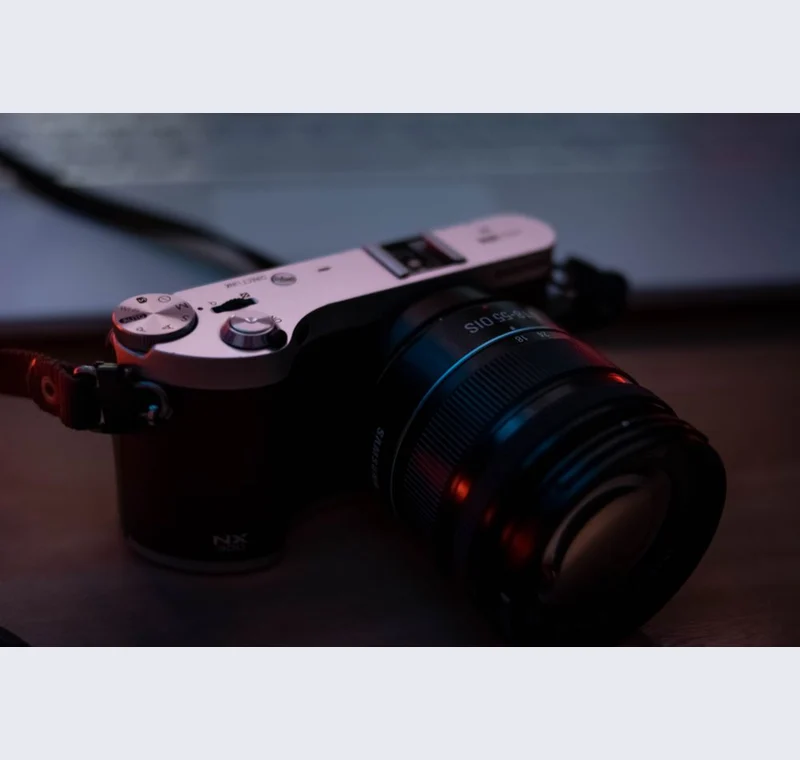
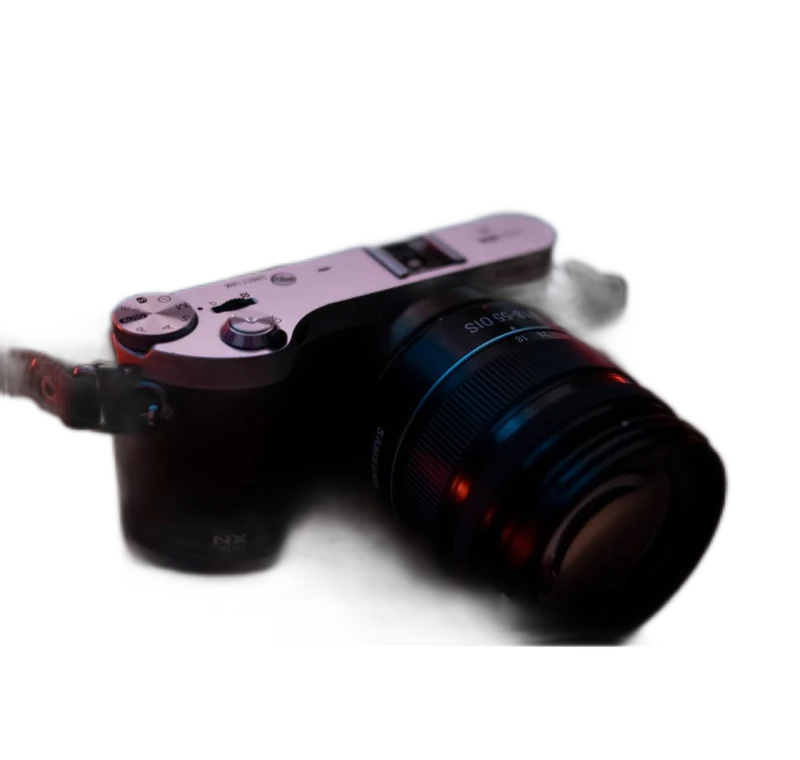
Inspect what the edit changes
Run a small representative set before processing a larger batch. Inspect both the transparent draft and the finished opaque image. Pay attention to products with holes, glass, cables or fuzzy edges because they may need manual work. A batch export applies shared settings, not a human quality judgment.
Keep these limits in view
Manual brush edits belong to the preview image only. The batch workflow computes a fresh mask for each selected file. Do not assume that correcting the first product repairs every product in the ZIP. Open the resulting files and review the exceptions before uploading the whole set.
Save a usable handoff
Choose PNG when another design tool needs a transparent layer. Choose JPG when the destination expects an opaque photograph. WebP is useful when the receiving app accepts it. The download checks the actual output type rather than giving a file a misleading extension.
The editor processes image contents on your device. Background removal downloads the model first, then uses local computation. Keep your original and inspect the exported copy before publishing. The app does not send the finished image to a platform, guarantee acceptance or replace the specialist workflow described above.
Sources & method
Last checked: . Official rules can change. Calculated presets are identified separately.
- Published tool specifications. Backdropless. Checked 2026-10-29.
- U2-Net: Going Deeper with Nested U-Structure. Xuebin Qin et al.. Checked 2026-10-29.
- Image file type and format guide. MDN Web Docs. Checked 2026-10-29.