Make a square product photo
Give the product an even square canvas without stretching it. Remove the background, crop to the subject if needed, and choose its breathing room.
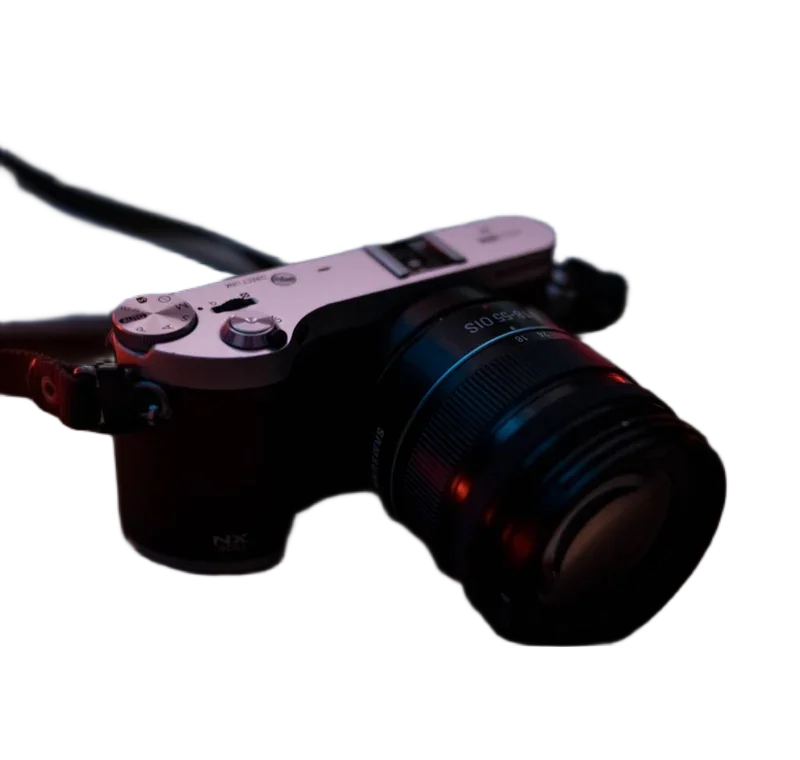
Drop a photo here.
Choose a file above, or start with a sample. Your image stays on this device.
Brush on the original-size cutout. Arrow keys move the brush; Space paints. Preview shows your output settings.
Fast: U2netp, 4,574,861 bytes. Downloads only when you run removal. Cached when storage allows.
Compare the real model results ↗Smart product framing
1600 × 1600 px · 1:1 · White
Amazon guidance: at least 85% and a white main-image background. The 1600 px square is our export choice; category rules still apply.
Preset sources and requirements ↗Centers the retained subject without stretching. Fill measures its largest relative span, not pixel area. Review the exported edges; this is not an approval check.
Local workspace limit: 24 megapixels and 10,000 pixels per side. Output keeps the source dimensions unless you resize or crop. Tool specifications and methods.
Make your next edit
- Open the product photo and remove its background.
- Review the edges. Select Crop to subject to center the detected object.
- Choose the square width and padding, then save the new product image.
Sources & method
Last checked: . Official rules can change. Calculated presets are identified separately.
- Published tool specifications. Backdropless. Checked 2026-10-29.
- HTMLCanvasElement.toBlob. MDN Web Docs. Checked 2026-10-29.
- Image file type and format guide. MDN Web Docs. Checked 2026-10-29.